SEMS portal vs SEMS+ app: which one do I use to monitor my GoodWe system?
Short answer. Use the SEMS+ app on your phone for day-to-day monitoring, and the SEMS+ web portal (semsportal.com) on a computer if you prefer a bigger screen. GoodWe’s manual describes both: the app for remote monitoring and local device set-up, and the web portal for adding and monitoring power stations and maintaining equipment. They use the same account.
Safety first. Never open a switchboard, remove a cover from your battery or inverter, or touch any wiring. Anything beyond the app, a light you can read from a safe distance, or your own router is a job for a licensed electrician. If you see smoke, smell burning, hear arcing or see water on or near the unit: keep everyone away, switch off at your main switch only if it is safe to do so, and call 000 if there is any fire or smoke.
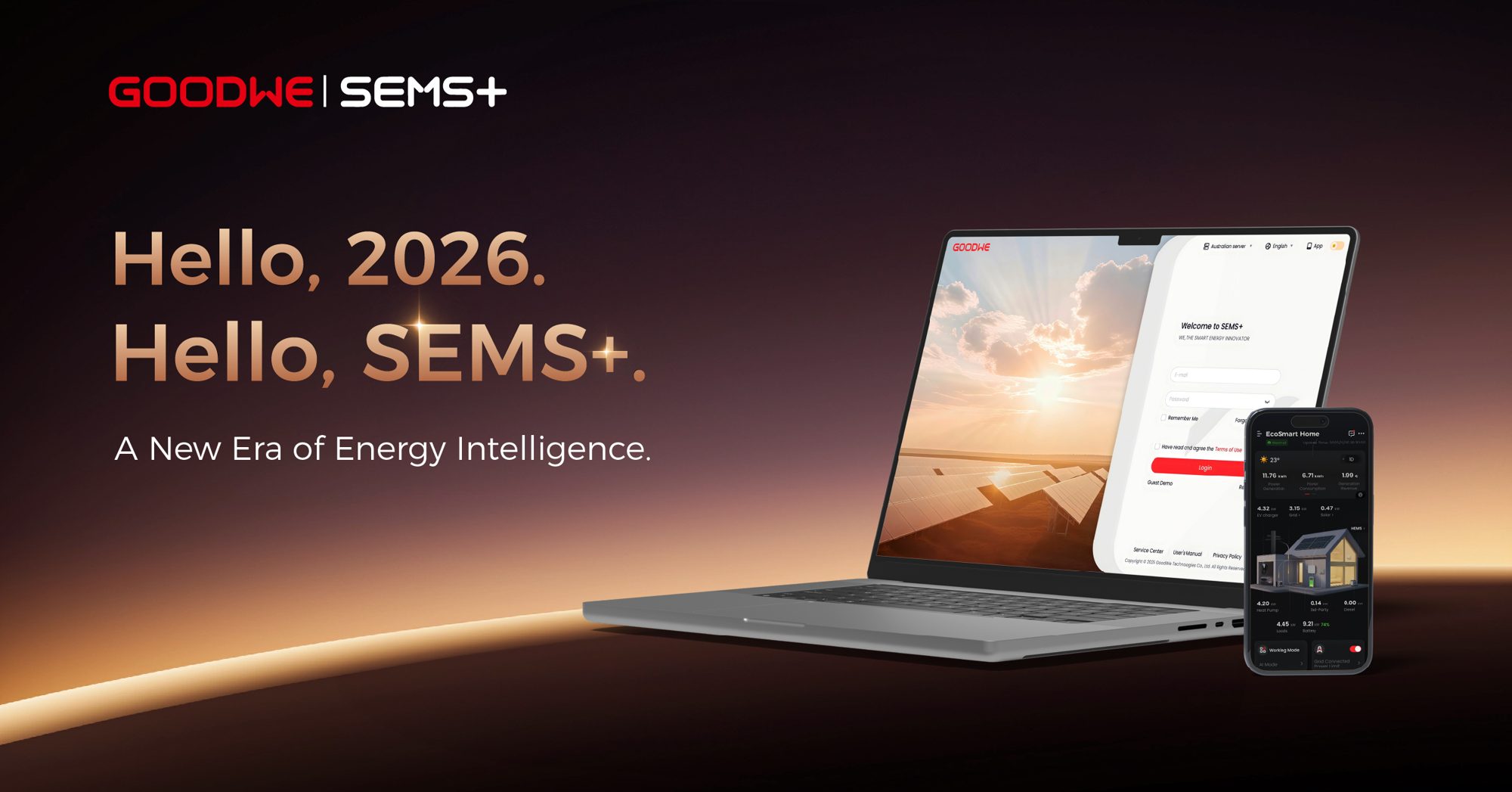
What each one is
- SEMS+ app: a phone app (Android 7.0 and above, iOS 15.1 and above, per GoodWe) for remote monitoring and for connecting locally to the device to see its status and settings. Search for “SEMS+” in your app store.
- SEMS+ web portal: the browser version, which GoodWe describes as a platform that communicates over Wi-Fi or LAN. Common uses are managing user information, adding and monitoring power stations, and maintaining equipment. The login page is at semsportal.com.
Which to use
- Everyday checks, notifications and sharing: the app.
- Longer history, bigger charts, managing more than one site, or if you do not want the app: the web portal.
- Both show faults and alarms. GoodWe says all fault and alarm details are shown in the app and the web portal.
Logging in
- Use the account email you were given at install. Your installer may have set the station up under your email.
- If you have lost the password, use the reset link on the login page. Do not share it with anyone who contacts you out of the blue.
- To let family see the system, see how to share your GoodWe system in SEMS+.
If the app shows offline, see how to reconnect your GoodWe ESA to Wi-Fi and my battery app says offline: is it still working?. For reading the screens: how to read the SEMS+ app. Our GoodWe battery guide has more on the system.
When to call us
If we installed your system, call us on 0483 903 020. Our service help for existing customers is free: we start by working through it with you by phone. If you are not yet a customer, a service call is $250 + GST, which covers one hour on site within 20 km of Mullumbimby; travel further out is quoted separately. Contact us or call 0483 903 020 (Mon-Fri 7am-6pm, Sat 7am-4pm). We do not repair systems we did not install.
Quick questions
What is the SEMS portal?
The SEMS+ web portal is GoodWe’s browser-based monitoring platform. The SEMS+ app is the phone version.
Is SEMS the same as SEMS+?
SEMS+ is the name GoodWe uses for both its app and web platform in its current manual. If your login does not work, call us.
Do the app and the portal show the same data?
They are two ways into the same account, so you see the same station and faults.
Can my installer see my system?
Installers can monitor stations they are set up on. We can look with your permission if you ask us to.
Sources
Last checked 7 October 2026. Only the manufacturer’s, the network’s or the government’s own documents are used; app menus and defaults change between models and versions, so if your screen looks different, call us rather than guess.
- GoodWe’s official ESA / EHA series energy storage user manual (V1.8, 28 July 2026): ratings, noise, installation environment, backup, apps
- GoodWe SEMS+ web portal login page